WipEout HD's 1080p Sleight of Hand

Namco's Ridge Racer 7 has been the standard bearer for true 1920×1080p on PlayStation 3 since the system launched, and to this day nothing gets close to what this game is achieving at full raster 1080p. Sure, GT5 has a tangibly superior look overall but its mixture of 1280×1080 (in-game) and 1440×1080 (replay) resolutions precludes it from the discussion.
Sony Liverpool's WipEout HD is the first big game for a while to be touting true 1080p credentials and regardless of its technical prowess, it's stupidly good value at GBP 11.99. It's also a superb technical effort, great to play and accessible to a level that recent releases in the series have failed to achieve.
And 1080p? True 1080p? Well yes. And no. OK, most of the time, it is. I mean look at these shots... scrutinised and measured by the ever-reliable 'Quaz51' who cast his expert eye over a number of Digital Foundry TrueHD 1080p captures:

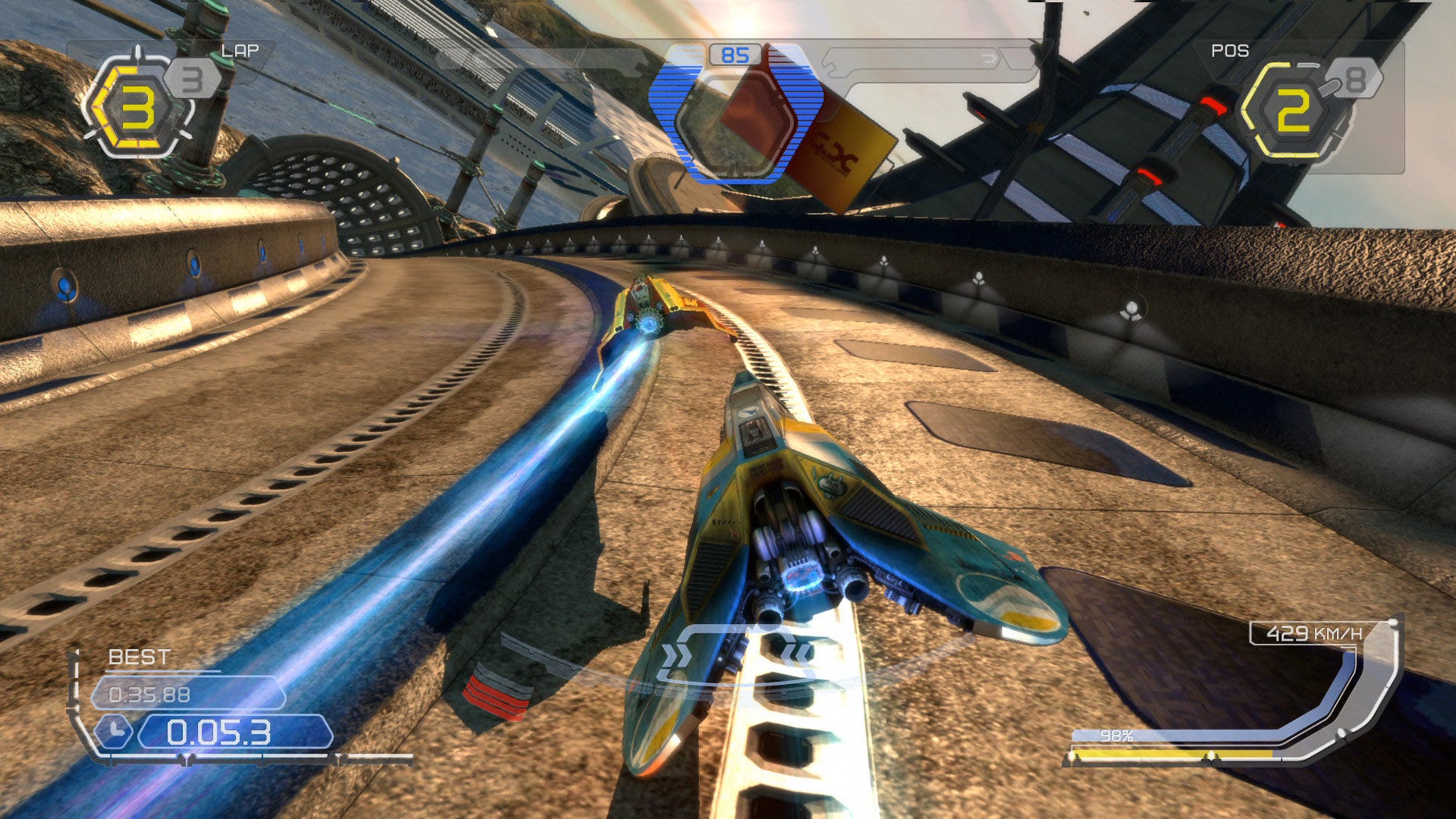
There's still something about Ridge Racer 7 that makes it a phenomenal 1080p game, but there's no doubt that WipEout HD is the better-looking 1920×1080 effort with some beautiful shader effects and excellent art direction. But what's going on the two shots below?
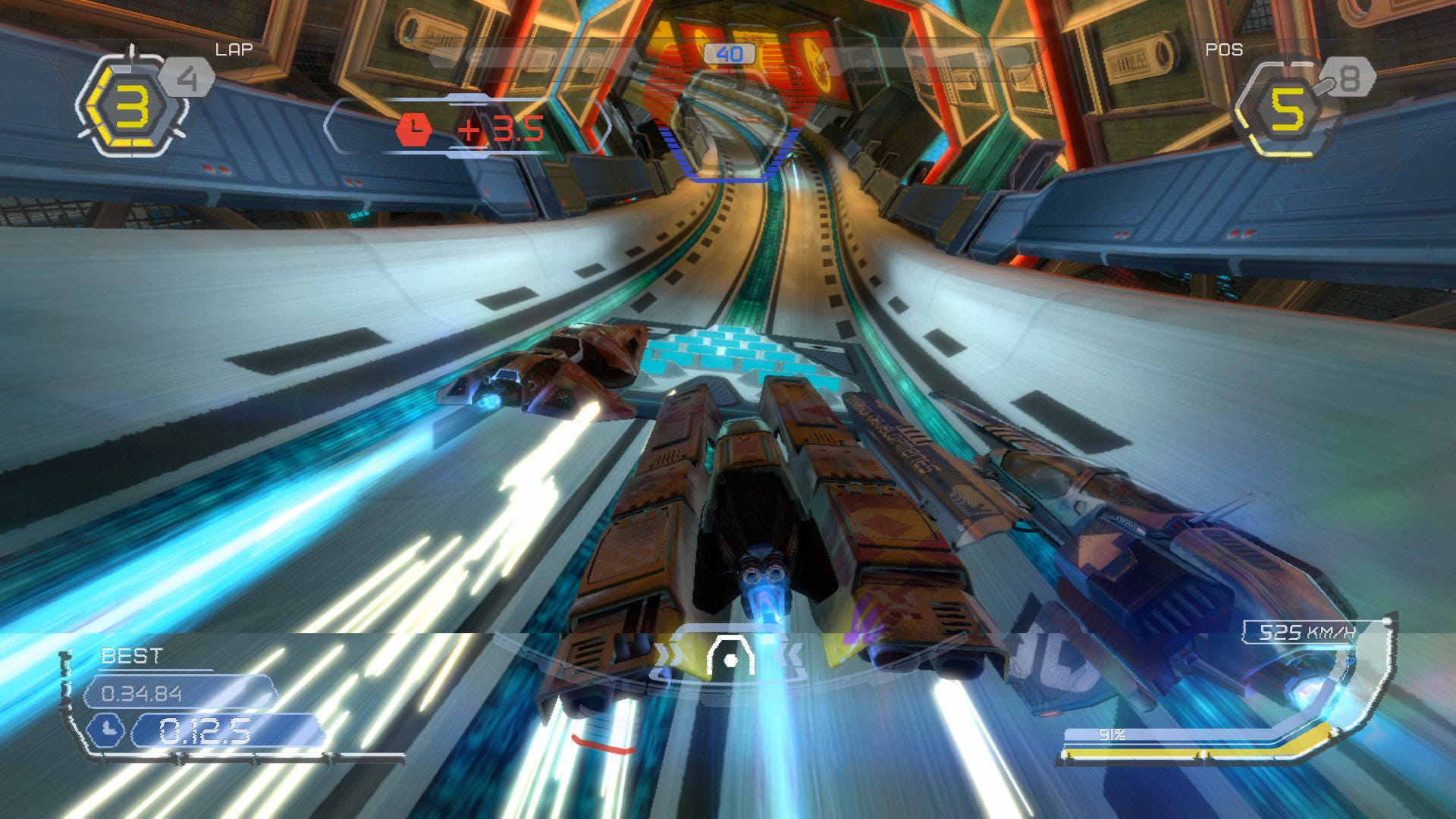
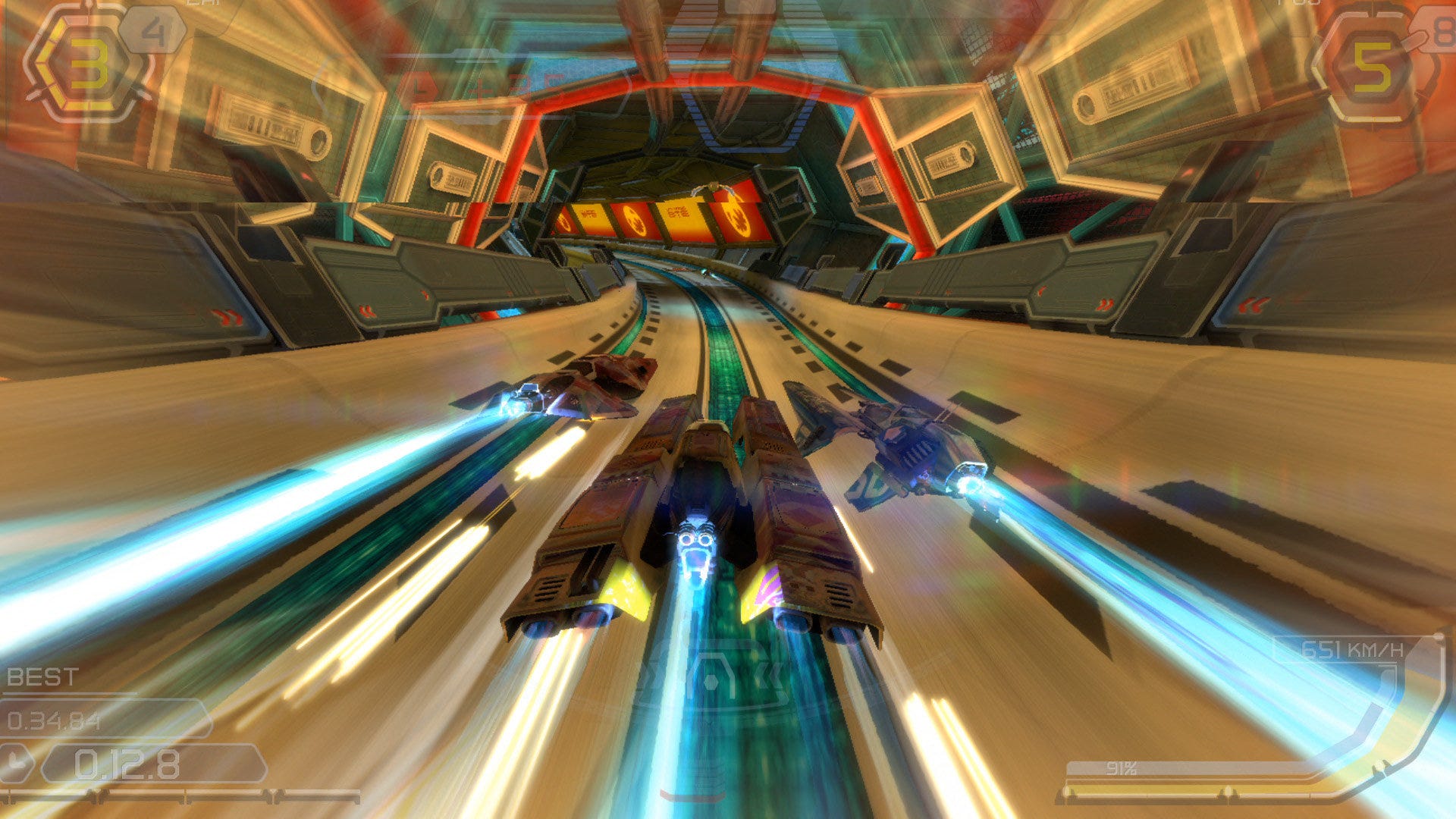
They're not 1080p in the sense that the resolution is no longer 1920×1080. WipEout HD is now rendering at 1280×1080 (with some screen tear to boot), which I'm fairly sure is the game's lowest resolution - but still a 50% resolution increase over 720p. So what's happening? Basically WipEout HD is the first game I've come across that seems to be operating with a dynamic framebuffer. Resolution can alter on a frame-by-frame basis. Rather than introduce dropped frames, slow down or other unsavoury effects, the number of pixels being rendered drops and the PS3's horizontal hardware scaler is invoked to make up the difference. It's an intriguing solution that works with limited impact on the overall look of the game (the tearing has far more of an impact on image quality - I'm assuming that kicks in when the framebuffer can't scale any lower).
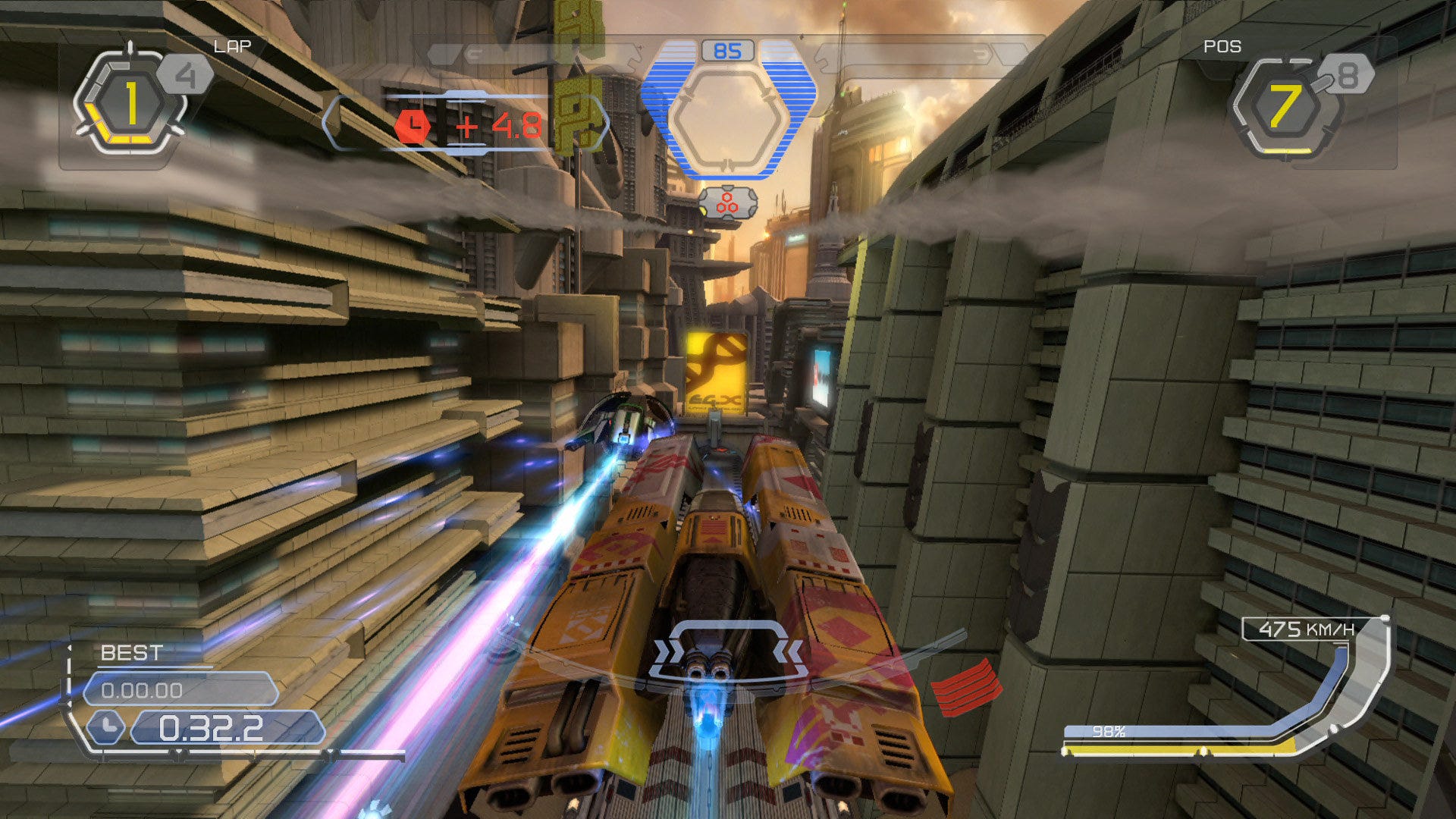
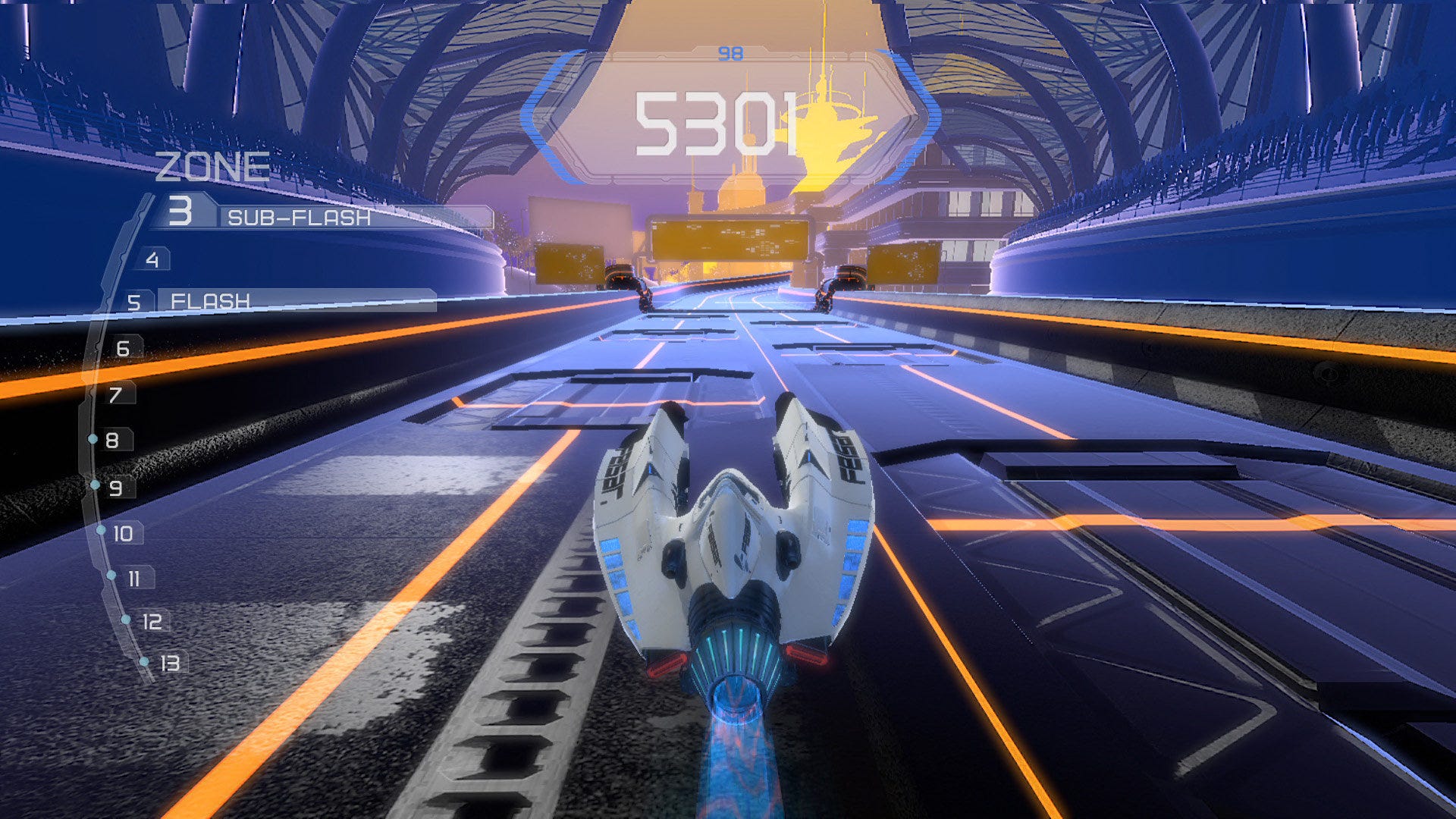
The actual amount of horizontal resolution being dropped can change on a frame by frame basis: 1728×1080, 1645×1080, 1600×1080, 1440×1080. All have been seen in the Digital Foundry TrueHD captures. The shots above appear to be 1500×1080. The dynamic framebuffer is really quite an innovative solution to the perennial 1080p problem. Even though we're seeing major differences in resolution, the human eye really will have trouble realising the difference when the detail level is changing so rapidly in such a fast moving game.
In short, it's making an advanced-looking game like WipEout HD work at 1080p60 and that's pretty damn awesome.