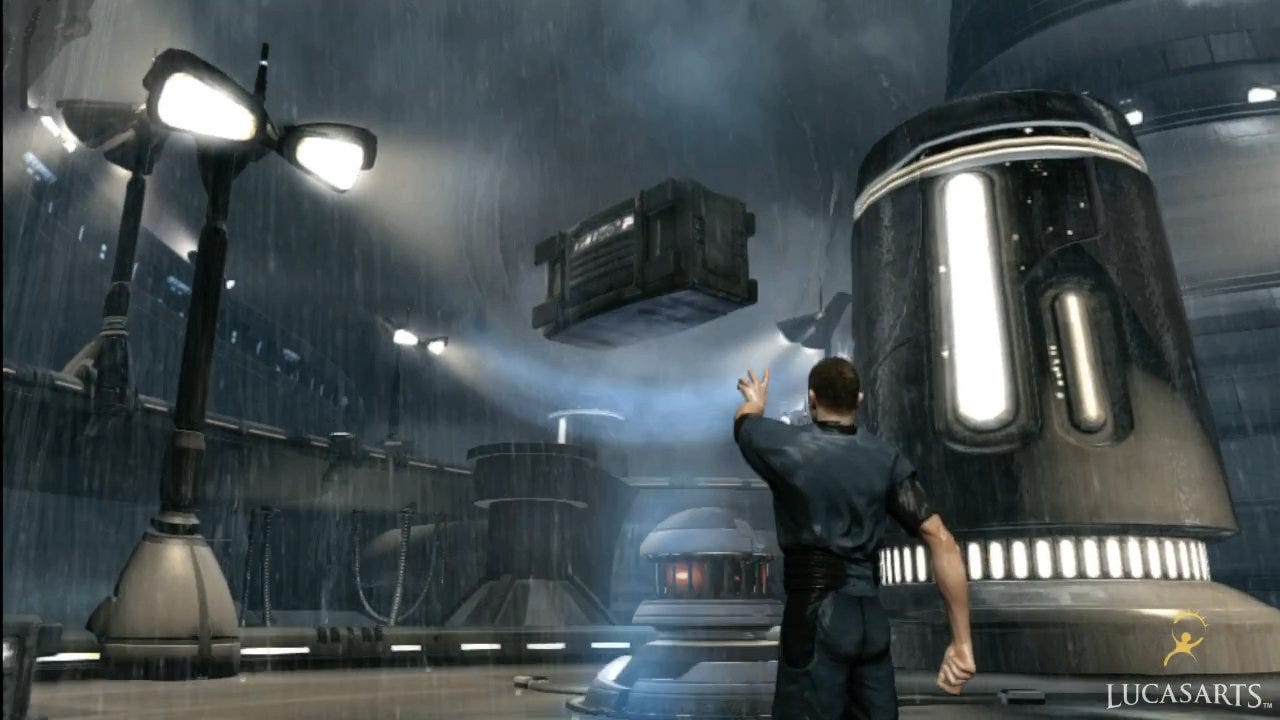
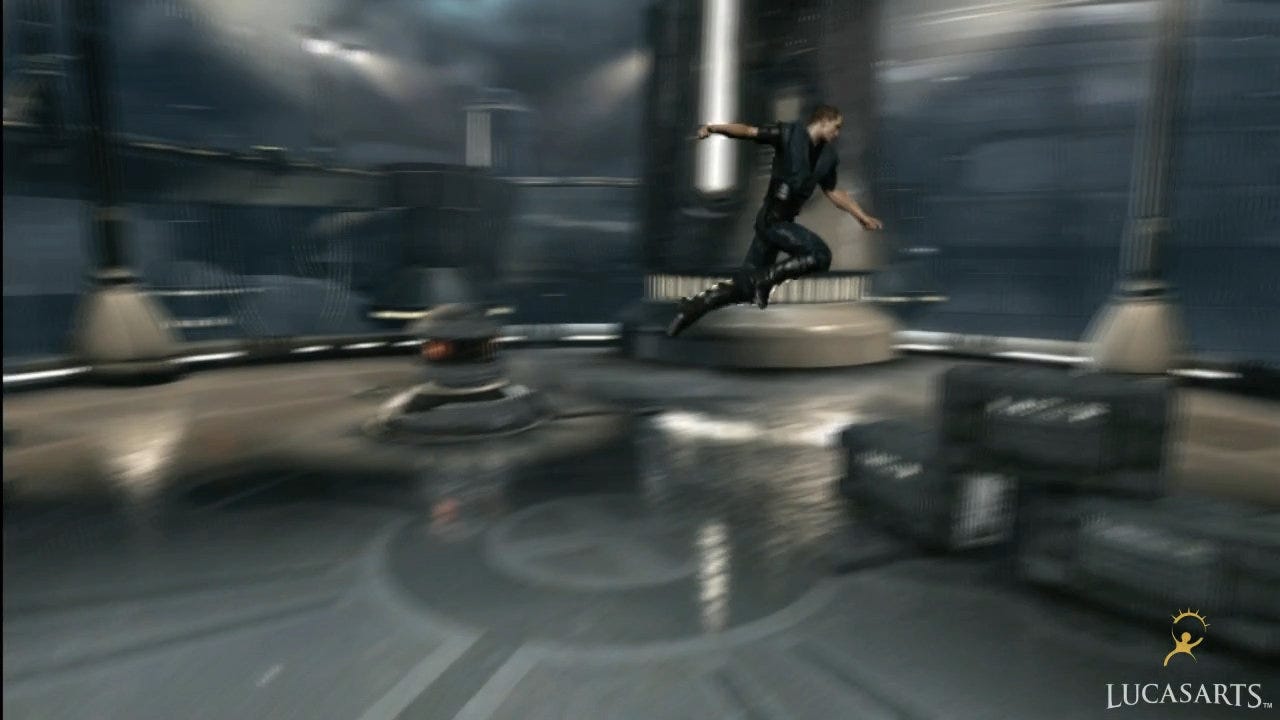
LucasArts' 60FPS Force Unleashed II tech demo
A frame-rate upscaler that really works? Digital Foundry investigates.
At the recent SIGGRAPH 2010, LucasArts coder Dmitry Andreev showed off a quite remarkable tech demo based on work he carried out during the development of Star Wars: The Force Unleashed II. In a video demonstration running on Xbox 360, he showed the game operating at its default 30FPS, but then seemingly magically running at 60FPS - with no apparent graphical compromises aside from the removal of motion blur.
It's a demo that you can download and see for yourself right now, either in HD or else in a more bandwidth friendly standard def encode, with Andreev's original presentation also available to view. Two AVI videos (requiring an h264 decoder) are in the package: an original prototype, along with a further, more refined proof-of-concept running in the Star Wars: The Force Unleashed II game engine.
It's safe to say that it's impressive work that has generated a lot of discussion within the games industry.
On a general level, there's a reason why most console games operate at 30FPS as opposed to the more preferable 60: the more time a developer has to render a frame, the more complex and rich it can be. But what if a mixture of clever tech and exploitation of human perception could be used to create a 30FPS engine that looks like it's running at twice the speed?
Andreev and his colleagues have devised a system that gives an uncanny illusion of true 60FPS, and uses less system resources than its existing motion blur code. Swap out the blur for the frame-rate upscaler and you effectively have all the visual advantages of 60FPS for "free", as there's very little need to run full-on multi-sample motion blur if your game is already running at 60FPS.
Andreev first got the idea for the technique by studying 120Hz TVs that interpolate two frames in order to produce an intermediate image, producing a smoother picture. Software filters on some media players (for example Philips' Trimension as seen on the WinDVD player) were also considered. If this approach could be replicated within the game engine, an effect far more pleasing than most motion blur algorithms could be produced. Discussions after SIGGRAPH 2008 soon led to prototyping.
"So as soon as I got back home, I started to play with it and soon after that realised that there are a lot of issues," Andreev reveals.
"Mostly the artifacts of a different kind, that appear in more or less complex scenes, as well as performance issues (it is really slow when done properly). And to better understand the problem, I made a very quick and simple prototype to play with."
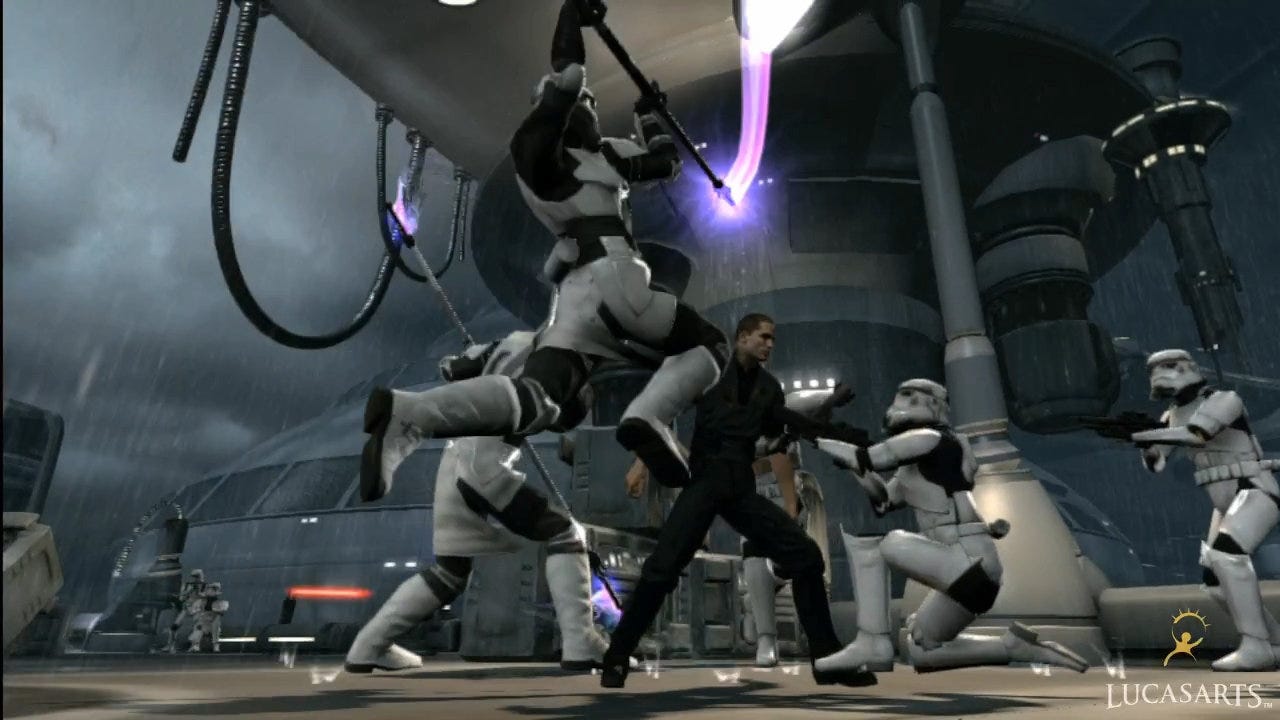
Star Wars: The Force Unleashed II is shaping up to be a state-of-the-art console title using a number of rendering techniques only viable on a 30FPS game. But the frame-rate upscaler tech works well in making it look as smooth as a 60FPS one, and is actually less taxing on system resources than the motion blur code it replaces in the demo.
The prototype used the same techniques as the available solutions, studying the image for "motion vectors" that showed how elements of the image would move from one frame to the next. The problem was that it added obvious artifacting, because not enough information is available to rebuild the interpolated intermediate image. Additionally, hunting out the motion vectors is incredibly CPU-intensive (hence why decent video encoding takes so long).
Andreev soon realised that the building blocks of the rendering process itself could be re-purposed and used instead.
"We already know how things are moving as we have full control over them. This way we don't need to do any kind of estimation," Andreev says.
"Moreover, when we do the interpolation, we can handle different things differently, depending on the kind of quality we are happy with. On top of that, we can use different interpolation techniques for different parts of the image, such as layers of transparency, shadows, reflections and even entire characters."
But why interpolate at all? After all, there are some pretty impressive 60FPS titles on the market already. The reason is that dropping down to a capped 30FPS brings a whole range of new rendering technologies within reach for developers. Deferred lighting on the scale seen in games like Killzone 2, Blur and the forthcoming Need for Speed: Hot Pursuit can only really work on console with that extra rendering time available. It also makes life a hell of a lot easier for the basic process of building a game.
"It is not impossible to make a 60FPS game, obviously, but it requires a lot more strict production process for art, design and engineering," Andreev shares.
"It is fair to say that in a lot of cases, during pre-production, studios try to see what it would take to make a 60FPS game. Then, they get something that doesn't look very pretty when running at 60, realising that all the art has to be produced very carefully as well as level and game design."
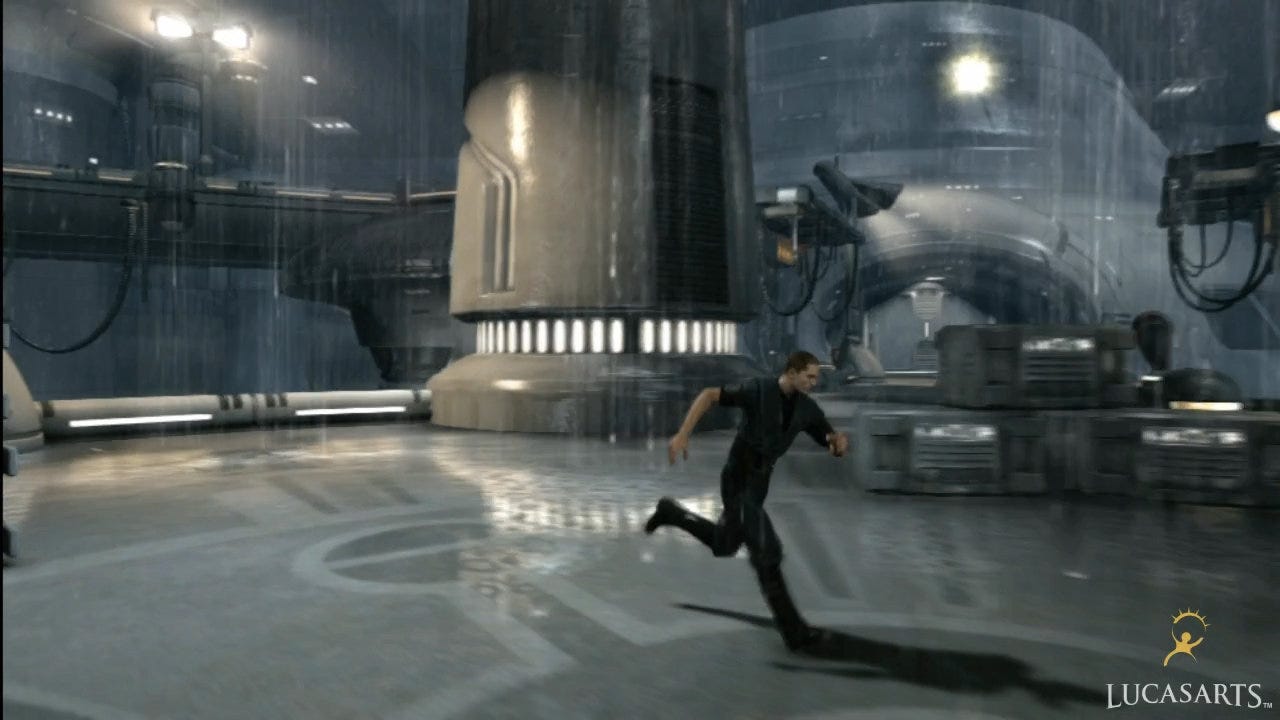
The shipping version of The Force Unleashed II uses 5-11 sample motion blur on Xbox 360 (pictured), while the PS3 game uses five SPUs working in parallel to deliver a consistent 16 sample implementation.
One solution for making a solid 30FPS title smoother is to use motion blur, and there have been some pretty decent implementations that make the image seem much more realistic and more fluid. Motion blur requires the generation of a so-called velocity buffer, which defines the movement. However, rather than using it for creation of the motion blur, the buffer is repurposed to produce an interpolated, intermediate image that is drawn at the mid-point between two frames.
"Render the velocity buffer as we would do for motion blur. Build the middle frame. And present it at the moment in time it was intended for," Andreev says.
"Note that in case of 30 to 60FPS conversion, the inner frame has to be presented at the middle of the frame. This is all it is, no more, no less. The rest is implementation itself, which is rather tricky."
The key is to re-use as much of the available processing as possible. In the case of Andreev's demo, the depth buffer and velocity map for the next full frame are generated, but directly after this, midway through the processing, this data, combined with elements from the last frame, is used to interpolate the intermediate image before calculations on the next real frame continue.
You'd think that this technique would cause lag, but as the interpolated image is being generated using elements from the next "real" frame, it actually reduces latency. Andreev's technique is single-frame based rather than dual-frame. The latter approach would require buffering two images so has a big memory and latency overhead, while the technique Andreev used effectively interpolates on the fly using past and future rendering elements.
"The most simple and efficient solution is to do the interpolation in-place, during the current frame, while the previous one is on screen. This way the previous front buffer can be mapped as a texture (on Xbox 360) and used for interpolation directly," he explains.
"In terms of latency there is something interesting going on. I said that there is no extra latency, which is true. But if you think about it, latency is actually reduced because we get the new visual result 16.6 ms earlier. You see the result of your actions earlier."
You may also like...
-
Digital Foundry: PS3 Skyrim Lag Fixed?
-
Face-Off: Final Fantasy 13-2
-
Face-Off: The Darkness 2
-
Metal Gear Solid: The "Lost" HD Remasters
-
Why Can't Videogames Do Sex?
-
Who Killed Rare?
-
Retrospective: Star Wars Episode I Racer
-
Game of the Week: Catherine
-
Mobile Controller Group Test
-
The Story Behind XBLA's Biggest Game
-
Dear Esther Review
-
Girl Vader stars in Kinect Star Wars trailer
-
Motorola Xoom 2 Tablet Reviews
-
Total War: Shogun 2: Fall of the Samurai gameplay
-
Assassin's Creed 3, Splinter Cell: Retribution coming this year?
-
PlayStation Vita trailer launches new Sony campaign
-
App of the Day: Candy Train
-
Metal Gear Online to be switched off in June
-
Mojang won't sue FortressCraft dev, "bored" by Minecraft clones
-
If I Were in a Sealed Room With a Girl, I'd Probably XXX trailer
-
Happy Action Theater Review
-
Will there be a PS3 version of The Witcher 2?
-
Resistance: Burning Skies PS Vita release date
-
Wii RPG Pandora's Tower release date
-
Project Draco's final name is Crimson Dragon


Comments (70) Latest comment 1 year ago
Comments threads automatically close after 30 days, but please feel free to continue chatting on the forum!
Comment below viewing threshold Show
Interesting article
Comment below viewing threshold Show
Didn't understand all of it, but be interesting to see if MS loosen up on their technical directives (or whatever) in the face this new tech.
Comment below viewing threshold Show
Necessity is the mother of invention, as they say.
Comment below viewing threshold Show
Very interesting and hopefully will be applied to at least all racing games in the future. That being said I've grown quite used to 30fps in certain genres now. It adds a certain "movie" quality to the game. Not to say 60fps isn't superior, which of course it is.
Comment below viewing threshold Show
Oh, and improved gameplay and level design wouldn't go amiss, either.
Comment below viewing threshold Show
Amazing. This is like the time when LucasArts somehow made Rebel Assault playable on a (by then alredy sort of weak) 386.
Comment below viewing threshold Show
Still an interesting read.
Comment below viewing threshold Show
Most TV's nowadays display 60hz so hence 30-60.
Comment below viewing threshold Show
MS & Sony would be insane not to support some version of this natively in the future in their SDKs, this concept alone could help make the envisioned longer lifespans of existing hardware more feasible.
Comment below viewing threshold Show
Yes, but it also significantly increases input lag, making games like FPS's almost unplayable if you're sensitive to it.
Also, doing this in software will provide far more consistency and reliability across the board. I just wonder why it has taken so long for someone to do this.
Comment below viewing threshold Show
+1 for sharing too, hopefully there will be more collaboration on tools like this as the industry matures. It seems that we may be headed to a future where increased cross pollination of ideas like this will make the work of creating games far less intensive in terms of creating engines, renderers etc etc.
Comment below viewing threshold Show
/piss take
Comment below viewing threshold Show
It's interesting that this can be achieved in software, I had assumed the reason no-one had tried it was because it wasn't feasible on today's hardware. If I were Sony or MS I would be looking to include motion interpolation as a feature in hardware on my next console's GPU. Imagine the advantage of being able to present games seemingly running at 60fps while your competition can only manage the same level of detail at 30fps! If it's done on the GPU it might even be possible to remove rendering artefacts as the hardware would have access to the textures and models of the scene.
It's interesting that this isn't possible on the Xbox without bypassing the DirectX layer. I guess MS are really serious about backwards compatibility on their next system. By requiring all hardware calls via standard DX, games could work on their next console with only a minimal amount of hardware support...
Comment below viewing threshold Show
Maybe make some devs like rockstar to wake up
Comment below viewing threshold Show
Because it will take your display a number of frames, commonly five, to work out the vectors needed to calculate the interpolation.
Personally I turn all that interpolation stuff off because for gaming it adds input lag, and for everything it smears the picture in my opinion (especially films).
This technique that Digital Foundry has covered is interesting though as the genius is already knowing the vectors for motion, what a genius bit of creative problem solving. I hope that we see this technique in other games soon.
Comment below viewing threshold Show
BTW, most Philips sets do frame interpolation but adds MASSIVE latency, but my brothers Samsung copes with it really fast and it is applicable for games.
But native implementation of this using render buffers is awesome, and will bring 60fps awesomeness to everybody!
Comment below viewing threshold Show
BTW, most Philips sets do frame interpolation but adds MASSIVE latency, but my brothers Samsung copes with it really fast and it is applicable for games.
But native implementation of this using render buffers is awesome, and will bring 60fps awesomeness to everybody!
The difference with MotionFlow is that the TV is taking a 25FPS SD or 60FPS HD source picture and creating multiple sub fields/frames to physically output a picture at 100Hz-600Hz; that the brain can further interpolate.
The Siggraph prototype demo described in this article will still only be generating 30 sub frames per second (or less on 360) that are displayed on a legacy SD TV or Top-end HD screen (25hz-600hz).
Comment below viewing threshold Show
so.. Microsoft want to make sure the Xbox 720 (whatever) will have backward compatibility on 360.
Sony PS4 maybe not so compatible with ps3 game
also,
Xbox become easier to develop thanks to the DirectX API, but it make HARD to "code to the metal" because the DirectX TRC.
PS3 hard to develop because no standarized / dictated API from sony, but it can be coded "to the metal" because the developer is free to do anything.
uh.... this will make xbox 360 exclusive game hard to use xbox full potential....
wow im become OOT, sorry
Comment below viewing threshold Show
That says it all... the reason most games don't run at 60 frames a second is because the industry is full of incompetent or lazy programmers. Thankfully the likes of Infinity Ward, id software, Turn 10 and Polyphony have the skills to show us how games can run on consoles.
Comment below viewing threshold Show
Hah... Wow, you really think this? You cannot have all the graphical gizmos you want and 60 FPS with our current consoles. That some companies make their games run at 60 FPS and they still look good, just means they designed it with the limitations in mind and made a compromise between looking good and looking smooth.
Comment below viewing threshold Show
Yeah but they also can display 50Hz. Unless Yank tellies only work at 30/60? Ours seem to do 25/30/50/60 before adding interpolation or other tricks.
There's got to be a good reason for the 30/60 thing. It's not like every developer has overlooked 50Hz by mistake. Probably rubbish yank tellies to blame, I think. Unless anyone know better?
Comment below viewing threshold Show
30 fps with blur is torture and anything that could possible cure this disease would be a blessing.
Comment below viewing threshold Show
It could be as you say a lot of TVs in the NTSC world (Namely Japan and the US) don't support 25-50hz but with the onset of HDTV I don't think developers care for inferior framerate PAL standard 25-50hz who's advantage over NTSC was higher resolution (576 vs 480).
Comment below viewing threshold Show
On a nerdy sidebar, this is why I avoid British drama on Blu-ray; e.g. Life On Mars. Although the content is shot at 25p and transmitted at 50Hz, when it's mastered on Blu-ray the FPS is slowed down to 24p; the reason being that despite Blu-ray format handling 1080p25 perfectly well, the discs might not work on American displays so it isn't used and we get temporal artefacts instead.
Computers monitors are minimum of 60Hz too.
Over here in Europe, since the late-1980s I've always made sure my televisions could handle 60Hz -- used to import consoles, as 60Hz gameplay much smoother and faster than 50Hz. But it's only with the advent of flat-panels that 60Hz has become common place.
Comment below viewing threshold Show
You either use more frames to calculate vectors for better picture quality interpolation, or fewer frames for lower quality interpolation.
Comment below viewing threshold Show
but for game like this, seems responsiveness can have wider toleration.
sorry my english
Comment below viewing threshold Show
Though it may not be ideal from a gamer's perspective, I imagine many TV manufacturers concern themselves with improving image quality for TV broadcasts and movies before games, and obviously lag doesn't matter in the slightest with the two former - and you can still usually turn off all the extra image processing for gaming.
Comment below viewing threshold Show
I think it reduces lag half of the time, but actually increases lag in the frames in between, so on average the lag is the same as a regular 30fps game.
I mean, at the end of the day the game still runs at 30fps, no matter what smart interpolation techniques you apply.
Comment below viewing threshold Show
Notmyrealname implied it can be used for 15fps games to work at 30fps, thereby providing even more for additional detail, but responsiveness of 15fps games is not good at all (I don't mind the responsiveness of a 30fps game).. But yeah, why not use it for cut-scenes etc etc..
The powerpoint even talks about rendering different portions of the game at different fps (e.g. background could be rendered at 15fps, upscaled to 60, while dynamic objects could be rendered at 30fps, again upscaled to 60fps).. This tech clearly is a breakthrough, I can't understand why it doesn't seem to get the credit it deserves!
Comment below viewing threshold Show
Anyway, hope it looks better in motion.
Comment below viewing threshold Show
Video processing lag means that display has to delay audio, otherwise there's lip sync errors; not a problem if you tele is one with built in speakers, but if you're using a projector or dedicated audio equipment then this can be a huge problem (and why many high-end amps have 'audio delay' as a feature).
Badassbab: Also just read if TV set to 100hz on a PAL TV (which is basically all UK TVs) and the console is set to 60hz then the tv has to first downscale to PAL 50hz and then upscale to 100hz.
Some might do that, but others will simply display 60Hz at 120Hz ... the 100Hz is only 'marketing' rather than a hardware restriction. I know for a fact that my "100Hz" displays ups 60Hz to 120Hz because I've run judder-test patterns on them to see (sad video geek that I am).
Edit: close tags. :$
Comment below viewing threshold Show
I fear it might just increase the number of developers who don't properly budget for geometry and fill-rate to set the visual fidelity of their games for a desired frame rate at the design stage.
A game with Uncharted 2's/Zelda Twilight princess gameplay and graphics could justifiably add this technique and it would still be a win-win situation for customers, as the action still suites 30fps.
The 3D action platform genre on the other hand; really has no excuse for sub 45fps rendering, as the game genre demands high frame-rates at the design stage, so that the games are smooth enough to be playable.
This is certainly a contradiction I have with Assassin's creed 2, as I really enjoyed the game and brush over the frame rate issues that caused me to fail and retry many assignments. But even when AC2 ran at a stable 30fps I still wished it had the motion fidelity of a Mario Galaxy/Sunshine/64. Nintendo normally wouldn't dream of releasing a 3D action platformer that chugged, even if that involved dialling down a level's graphics.
I have only played the previous Force Unleashed demo, so I'm not really sure if this game was/is truly a 3D action platformer that needs a higher frame-rate(for input feedback), hopefully Eurogamer will cover that issue in the review.
Comment below viewing threshold Show
wondering if slow-paced game like avg and rpg could do 15/30 to achieve an even better image quanlity?
Comment below viewing threshold Show
I like Bayonetta's visuals significantly more than this game's, and that runs at a true, rock solid 60fps.
It's an interesting hack for sure, but one point that is completely neglected is that the point of 60fps isn't just visual eye candy, the silky smoothness that it feeds to our eyes, but actually the response time.
60fps just feels and IS so much more responsive than 30fps. Which is the main reason that any proper fighting game runs at 60fps, a fighting running at 30fps feels so much less precise.
Response time is probably one of the reasons that Forza 3 runs at 60fps too.
I like my games to run at 60fps for the response times and precision they offer, I prefer the feel of them to 30fps games, not just the look.
Comment below viewing threshold Show
Just like you shouldn't/wouldn't call a game HD if if was rendered internally at 640 by 360, upscaled to 1280 by 720.
Comment below viewing threshold Show
Sub HD but 60FPS and still looks beautiful.